The Role of Dashboards in Modern Data Visualization Software
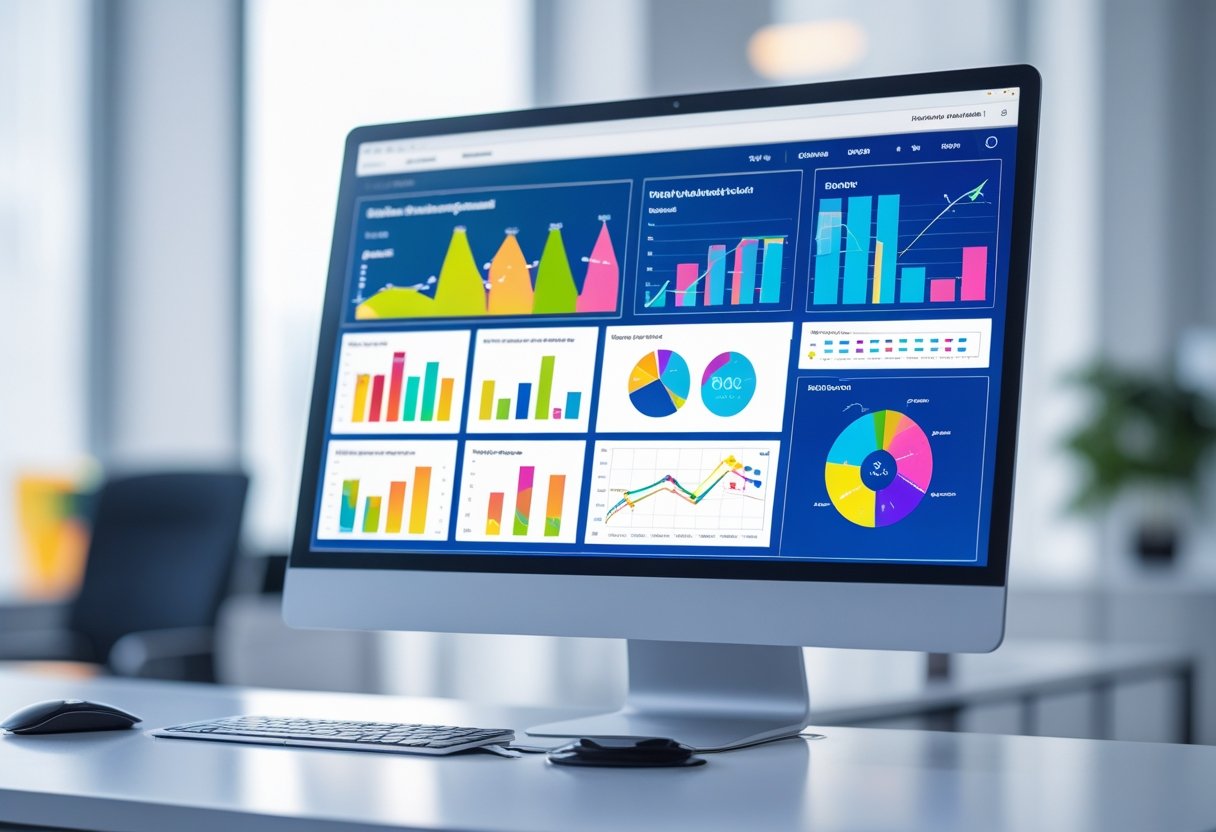
Have you ever felt lost in a sea of data? In today's fast-paced IT Service & technology world, managing information effectively can feel like trying to navigate a maze blindfolded. This is where dashboards come to the rescue. Dashboards in data visualization software provide a clear, interactive view of your data, helping you make quick, informed decisions. Imagine them as the cockpit of an airplane, giving pilots instant access to critical flight data – that’s what dashboards do for IT professionals.
Understanding Dashboards in Data Visualization
A dashboard is a visual display of key metrics and data points, designed to help you understand performance at a glance. Think of it like a digital command center. Instead of sifting through endless spreadsheets, dashboards consolidate information in one interactive view, making it easier to monitor progress and spot trends.
Why Dashboards Matter in IT Service & Technology
Dashboards are vital in IT Service & technology because they streamline complex data sets. Whether you're managing cloud services, monitoring network performance, or analyzing customer behavior, dashboards give you actionable insights instantly. They reduce decision-making time and improve operational efficiency.
Types of Dashboards
Operational Dashboards: Focused on real-time data, perfect for day-to-day operations.
Analytical Dashboards: Provide in-depth analysis, helping specialists understand trends.
Strategic Dashboards: Offer a high-level overview, useful for executives and managers.
Key Features of Modern Dashboards
Interactivity: Users can filter and drill down into data. Customizability: Tailor dashboards to fit specific needs. Real-Time Data: Immediate updates to monitor ongoing processes. Visual Appeal: Charts, graphs, and gauges make data easy to digest.
How Data Visualization Software Uses Dashboards
Data visualization software like Tableau and Power BI leverage dashboards to convert raw data into insightful visual stories. They allow IT Service & technology professionals to spot patterns, detect anomalies, and forecast outcomes. With integrated tools, dashboards can connect to multiple data sources seamlessly.
Role of Data Visualization Specialists
Data visualization specialists and consultants play a critical role in designing effective dashboards. They understand data, user behavior, and visualization principles, ensuring dashboards are intuitive and actionable. Their expertise can turn complex metrics into simple, understandable visuals.
Impact of Dashboards on Decision-Making
Dashboards accelerate decision-making by presenting clear, concise, and actionable information. They help identify bottlenecks, measure performance, and guide strategy. Imagine having a GPS for your business – dashboards show the path and highlight obstacles.
Tableau Dashboards Examples
Tableau dashboards examples and tableau dashboard samples showcase interactive data visualizations with filters, charts, and KPI indicators. They allow users to explore different data dimensions and uncover insights that static reports might miss.
Creating Effective Dashboards
Know Your Audience: Tailor the dashboard to user needs. Keep It Simple: Avoid clutter; focus on critical metrics. Use Visual Hierarchy: Highlight the most important data first. Incorporate Interactivity: Allow filtering, sorting, and drilling down.
Augmented Systems and Advanced Dashboard Features
Augmented Systems integrate AI and predictive analytics with dashboards, enhancing decision-making. Features like automated insights, anomaly detection, and predictive trend analysis take dashboards beyond simple data display to proactive business intelligence tools.
Common Mistakes to Avoid
Overloading dashboards with too much data.
Using inappropriate charts that confuse rather than clarify.
Ignoring user feedback in design.
Failing to update dashboards regularly.
Measuring Dashboard Success
Success metrics for dashboards include user engagement, decision-making speed, accuracy of insights, and the ability to solve business problems. Regular reviews and feedback ensure dashboards remain relevant and effective.
Future of Dashboards in IT
The future of dashboards in IT Service & technology includes more AI-driven insights, personalized dashboards, and enhanced interactivity. As data grows, dashboards will evolve to provide smarter, real-time analytics, helping businesses stay ahead of the curve.
Conclusion
Dashboards are no longer optional; they are essential tools in modern IT Service & technology. From simplifying complex data to enhancing decision-making, they empower professionals to act swiftly and strategically. Whether you are a data visualization specialist or an IT manager, mastering dashboards can transform the way you approach business intelligence.
FAQs
1. What is a dashboard in data visualization software? A dashboard is a visual interface that consolidates key metrics and data points, allowing users to monitor and analyze information effectively.
2. How do dashboards help IT Service & technology companies? Dashboards streamline data, provide real-time insights, and support faster, informed decision-making, improving operational efficiency.
3. What are Tableau dashboards examples useful for? They demonstrate interactive visualizations, allowing users to explore data from multiple angles and uncover actionable insights.
4. Who should use dashboards in an organization? Data visualization specialists, IT managers, executives, and operational teams can benefit from dashboards to monitor performance and guide strategy.
5. How do augmented systems enhance dashboards? Augmented systems integrate AI and predictive analytics, offering automated insights, anomaly detection, and trend forecasting to make dashboards more intelligent and proactive.

.jpg)

Comments
Post a Comment